Physical Address
304 North Cardinal St.
Dorchester Center, MA 02124
Physical Address
304 North Cardinal St.
Dorchester Center, MA 02124
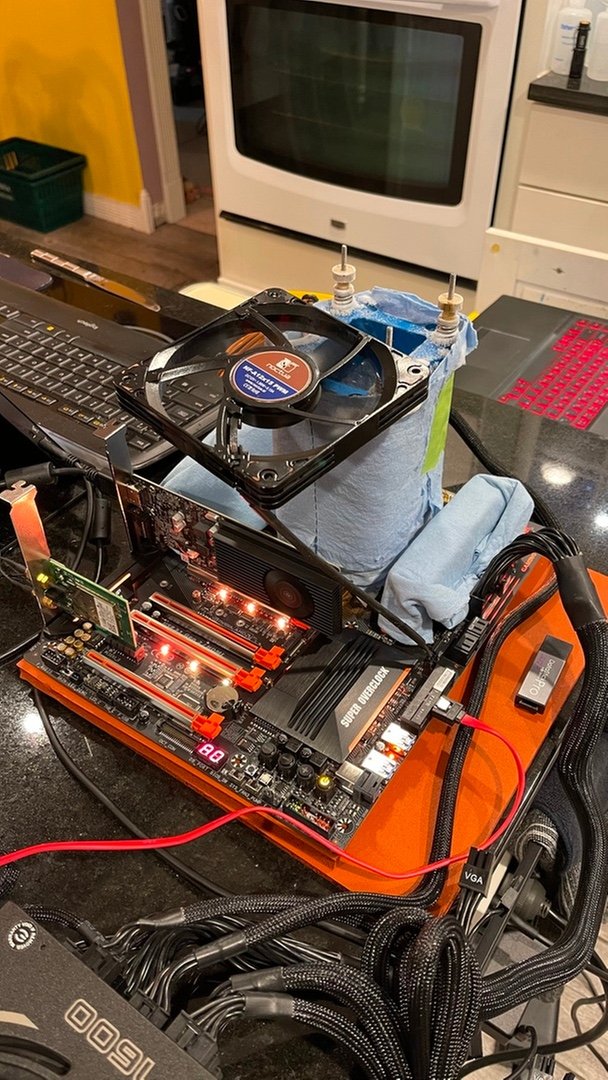
To fix an unstable overclock, work backwards: undo the last change you made, then test again — because the fix is almost always the change you made just before the crashes started. An unstable overclock is not a broken PC; it is a setting that went one step too far.
If the PC will not boot at all, do not panic. Most motherboards will boot back to safe settings after a few failed starts, and if not, the clear-CMOS button or jumper resets the BIOS to defaults. Our overclocking basics guide explains where that reset is, and our troubleshooting guides cover the same recovery steps. Once you are back in Windows, write down what the settings were before you change anything else.
Go back into the BIOS and undo the last change you made — the last multiplier step, the last voltage change, the last Curve Optimizer offset. If the PC becomes stable again, you have found the problem, and you know the limit. That is the same small-steps method our step-by-step overclocking guide recommends, and it works in reverse too. Never change several settings at once when you are fixing a problem, or you will never know which one fixed it.
If the crash happens at a speed you really want to keep, a small voltage increase can stabilise it — but only a small one, in the smallest step your BIOS allows. If you need a large voltage increase, the chip has reached its limit, and the right fix is to lower the speed instead. Our how to overclock Intel CPUs guide and our how to overclock AMD Ryzen CPUs guide both make the same point: a small voltage bump fixes a small instability, and a big one is a warning sign.
Check the temperature under load. A chip that overheats will throttle or crash, and the fix is cooling, not voltage — a better cooler, better airflow, or fresh thermal paste. Read our cooling guides if the temperature is the problem, and remember that a 14900K at full load is a very hot chip even at stock. Our overclocking vs undervolting guide shows how lowering the voltage can fix a heat problem without losing speed.
Test after every change, with a stress test and with your actual games. Our best CPU benchmark software guide lists the stress tests to use, and our how to benchmark your CPU guide shows you how to measure properly. A 15-minute test is not enough — use the PC for a day, because the sneaky crashes, especially from Curve Optimizer, show up when the PC is idle, not under full load.
An unstable overclock is fixed by going backwards: undo the last change, test, and stop when the PC is stable again. A stable overclock at a slightly lower speed is worth far more than a fast one that crashes. Our is overclocking worth it guide makes the same point, and our overclocking guides will help you find a stable speed.
One last check: after you find a stable speed, run your favourite game for an hour and a longer stress test overnight. If both pass, save the settings — take a photo of the BIOS screen or write them down. That way, if a future change breaks things again, you will know exactly which settings were stable, and you can get back to them in minutes.