Physical Address
304 North Cardinal St.
Dorchester Center, MA 02124
Physical Address
304 North Cardinal St.
Dorchester Center, MA 02124
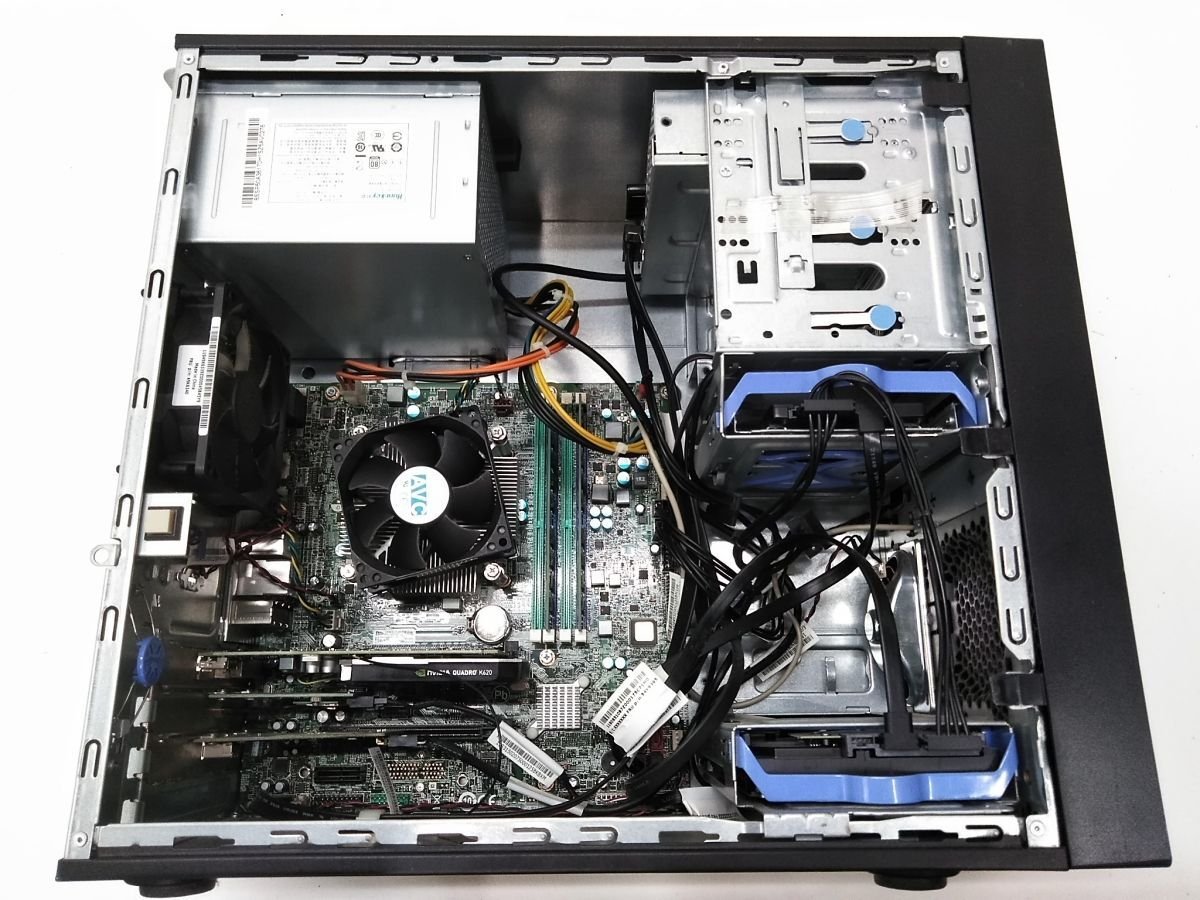
Learning how to choose a desktop CPU in 2026 is simpler than it looks: you match the chip to your workload, your budget and your motherboard, and you ignore everything else. The CPU market is full of confusing model numbers, but the decision itself does not need to be complicated.
The first question is always the same: what will this PC do? A gaming PC needs a chip with strong single-core speed and a big cache. A work PC that renders or compiles needs as many cores as you can afford. An everyday PC for browsing and office work needs almost nothing — any modern chip will feel fast. Write down the most demanding thing you will do regularly, and let that decide the chip. Our guide to choosing the right CPU for a PC build covers the same decision from the build side, and our best desktop CPU guide will show you the best chip at each price.
Decide your CPU budget before you start shopping, and remember that the CPU is only one part of the bill. A good rule is to spend roughly a third of your total PC budget on the CPU and graphics card together, with the graphics card taking the bigger share if you game. Our guide to how much to spend on a CPU breaks this down by budget, and our best budget CPU under $100 guide shows what you can get if money is tight.
For most people, six to eight cores is the right answer in 2026. Six cores is enough for gaming and everyday work; eight cores adds comfortable headroom for streaming, compiling and multitasking. Twelve or sixteen cores are only worth it if your work actually uses them — rendering, encoding, heavy multitasking. Our guide to cores, threads and clock speed explains what those numbers mean in practice, and our guide to how many cores you need for gaming will help you avoid paying for cores you will never use.
A desktop CPU only works with the motherboard socket it was built for, so you are choosing a platform, not just a chip. AMD’s AM5 platform has a long promised life, which means you can upgrade the chip later without replacing the board. Intel’s latest socket is also strong, but it has historically changed more often. Our Ryzen vs Intel desktop CPU comparison and our best CPU and motherboard combos guide will help you weigh the two. Before you buy, run through our CPU compatibility checklist — it takes five minutes and saves expensive mistakes.
A fast chip is useless if it overheats. Check the chip’s power draw and make sure your cooler and power supply can handle it. A mid-range chip like the Ryzen 5 9600X or the Core i5-14600K runs happily on a good air cooler; a flagship will want something better. And remember that a cooler chip is also a quieter chip — which matters if the PC sits next to you all day.
Before you spend a penny, check these five things: the chip matches your workload, it fits your budget, it has the cores you need, it fits your motherboard socket, and your cooler and power supply can handle it. If all five are yes, you have found your chip.
Choosing a desktop CPU is a five-step job: workload, budget, cores, platform and cooling. Get those right and the model number takes care of itself. Browse our desktop CPU guides and buying guides to compare the current chips before you choose.