Physical Address
304 North Cardinal St.
Dorchester Center, MA 02124
Physical Address
304 North Cardinal St.
Dorchester Center, MA 02124
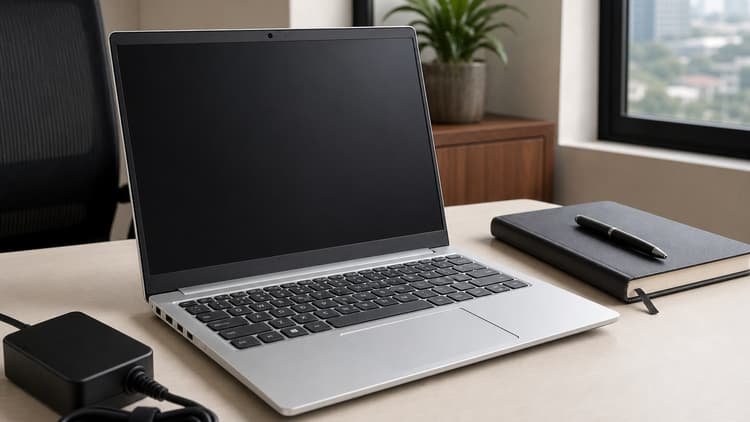
Learning how to choose a laptop CPU in 2026 starts with one question: what will you actually do with the laptop? A student, a gamer and a video editor need very different chips — and the most expensive one is not always the right one.
Here is a simple way to pick the right processor.
Start with your heaviest task. For writing, research and video calls, a modern 6-core or 8-core laptop chip is plenty — our best CPU for home office guide shows what everyday work needs, and our best laptop CPU for students guide shows which chips to look for in a machine you carry all day. For gaming, the graphics card matters more, but our best laptop CPU for gaming guide shows which chips to pair with it.
For video editing and heavy multitasking, more cores pay off — our best laptop CPU for video editing guide shows the chips that chew through timelines, and our how many cores for gaming guide shows how much headroom each task needs.
A laptop CPU is only as good as the laptop around it. A fast chip in a thin chassis will throttle — slow down to stay cool — and a throttled chip is slower than a slower chip that stays fast. Our best laptop CPU guide explains how laptop chips balance speed and battery life, and our Core Ultra 9 285K review shows what Intel’s newest architecture can do when efficiency is the priority.
Battery life matters too: check real reviews, not the spec sheet, and remember that a gaming laptop lasts an hour or two on battery, not a full day. Our Intel vs AMD laptop CPUs guide compares the two brands on battery life and value.
A fast chip with 8GB of RAM will still feel slow, so buy 16GB minimum — 32GB if you edit video or run heavy software. And buy an SSD: a laptop with a slow hard drive feels sluggish no matter how good the processor is. Our how much to spend guide helps you balance the whole budget, and our best budget CPU under $100 guide shows the cheapest chips that still feel fast.
If you want a desktop instead, our how to choose the right CPU guide walks you through the desktop decision, and best CPU for gaming gives you the full shortlist of desktop chips to compare against.
How to choose a laptop CPU in 2026 comes down to three steps: match the chip to your job, check the battery and cooling, and do not skimp on RAM and storage. A fast, efficient 6-core or 8-core chip is right for most people, and a higher-core chip pays off only if your work actually uses it. Whichever you choose, check our CPU and motherboard combos guide, laptop CPU picks and budget CPU picks before you spend.
Two mistakes trip up most laptop buyers. The first is chasing the fastest chip and ignoring the rest of the machine — a flagship processor in a laptop with a dim screen, a bad keyboard and a small battery is a bad buy. The second is buying last year’s chip at full price: laptop processors improve every year, so a current mid-range chip often beats a last-generation flagship, and costs less. Our best laptop CPU guide covers the current picks, and Intel vs AMD laptop CPUs compares the two brands.